
User-first opening
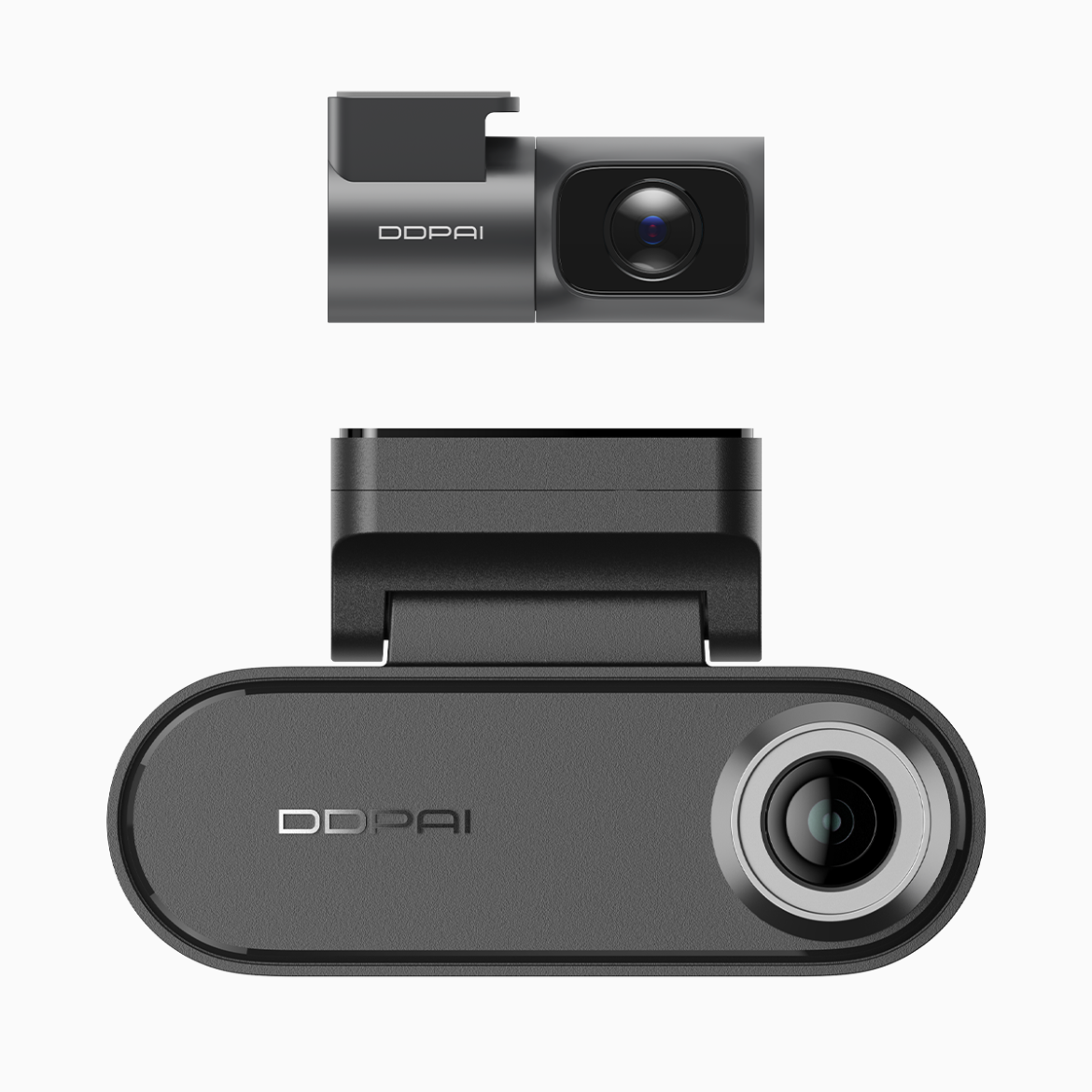
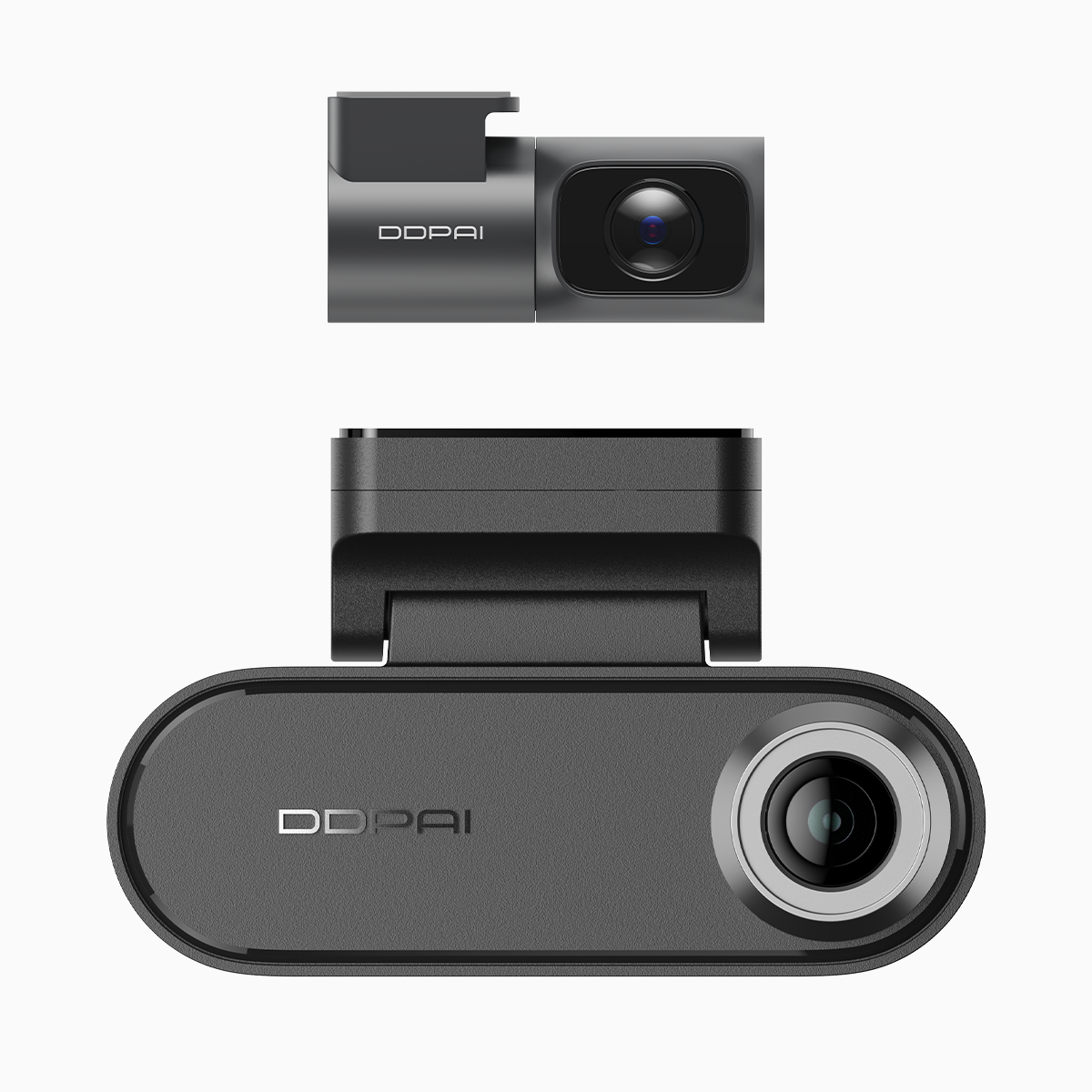
This guide is written for drivers in Metro Manila and beyond who need straightforward advice on picking a dual unit that keeps footage admissible and useful for LTO interactions, insurance claims, and everyday peace of mind. Many commuters already expect features like parking mode and GPS logging — if you want a solid example, consider the dual dash cam with parking mode that pairs 4K front capture with a rear camera and Wi‑Fi. Real-world parking bumps in Makati or a tight lot in Quezon City often hinge on clear timestamps and GPS coordinates; a reliable parking monitor dash cam can make the difference between a quick resolution and a long dispute.
Why user-centric choices matter
Drivers care about two things: clarity and convenience. Clarity comes from 4K resolution, proper exposure, and accurate time/GPS stamps. Convenience comes from Wi‑Fi pairing for instant transfer, simple loop recording that avoids manual file management, and a parking mode that records while parked without draining the battery. Choose devices that log GPS coordinates and embed timecodes — insurers and LTO officers respond better to objective data than to conflicting stories.
Key features to prioritise
Focus on three practical capabilities: stable parking mode, reliable GPS logging, and easy Wi‑Fi connectivity. Parking mode must be backed by a trustworthy power management scheme (hardwire kit or low-voltage cutoff). A G-sensor is essential for impact-triggered clips, while GPS provides speed and location metadata you can export. Wi‑Fi lets you download evidence immediately to your phone — handy when you’re on the road and need to share footage with tow operators, insurers, or LTO personnel.

Installation and LTO-related practicalities
Mount the front camera behind the rearview mirror to keep the driver’s view clear and avoid obstruction issues. Have the unit hardwired if you expect frequent parking monitoring; a professional install reduces wiring errors and keeps the battery healthy. While the LTO doesn’t specify models, motorists should keep footage with clear, unaltered metadata for any formal report. Keep firmware updated to ensure correct timestamps and stable GPS performance.
Common mistakes motorists make
One common error is assuming any dash cam’s parking mode won’t drain the battery — without low-voltage cutoffs or proper hardwiring, you risk a dead vehicle battery. Another is neglecting timestamp accuracy; incorrect time settings create disputes instead of solving them. And many overlook storage strategy: use microSD cards rated for continuous write (high endurance) and set sensible loop recording intervals so important clips aren’t overwritten.
Alternatives and comparison notes
Single-channel cameras are cheaper but lack rear coverage for parking incidents. Standalone parking sensors don’t record context — no timestamped video, no GPS. If you compare models, weigh resolution (4K vs 1080p), sensor quality for low-light capture, and the availability of features like Wi‑Fi transfer and cloud backup. Also factor in post-purchase support; firmware updates can fix bugs that affect GPS logging or loop recording — those fixes matter in practice.
Real-world anchor and experience
From handling reader reports in Makati, I’ve seen dash cam clips resolve parking claims in under a day when footage included a clear timestamp, visible plate numbers, and GPS coordinates. That simple combination settles disputes faster than witness statements alone — insurers appreciate that clarity, and LTO case officers do too.
Advisory — three golden evaluation metrics
1) Evidence integrity: Confirm the unit embeds unalterable timecode and GPS metadata and that firmware updates preserve those stamps. 2) Power resilience: Prefer systems with hardwire kits, low-voltage cutoff, or an external battery pack for consistent parking mode operation. 3) Retrieval speed: Choose devices with Wi‑Fi transfer or an app that exports clips quickly in common formats — fast evidence sharing shortens claim cycles.
Trust decisions should be practical: test the unit in daylight and at night, check GPS paths, and simulate a parking bump to verify G-sensor triggers a saved clip. These checks show what works under real conditions — and why some brands consistently win on reliability.
DDPAI Philippines understands how local drivers use footage to protect themselves and keeps firmware, customer support, and features aligned with those needs — practical value, plain and simple. —
